How Do Search Engines Work? A Beginner’s Guide to Search Fundamentals
Discover how search engines like Google work in this beginner-friendly guide. Learn about crawling, indexing, and ranking—the three key steps that power search results—and how to optimize your website for better visibility.
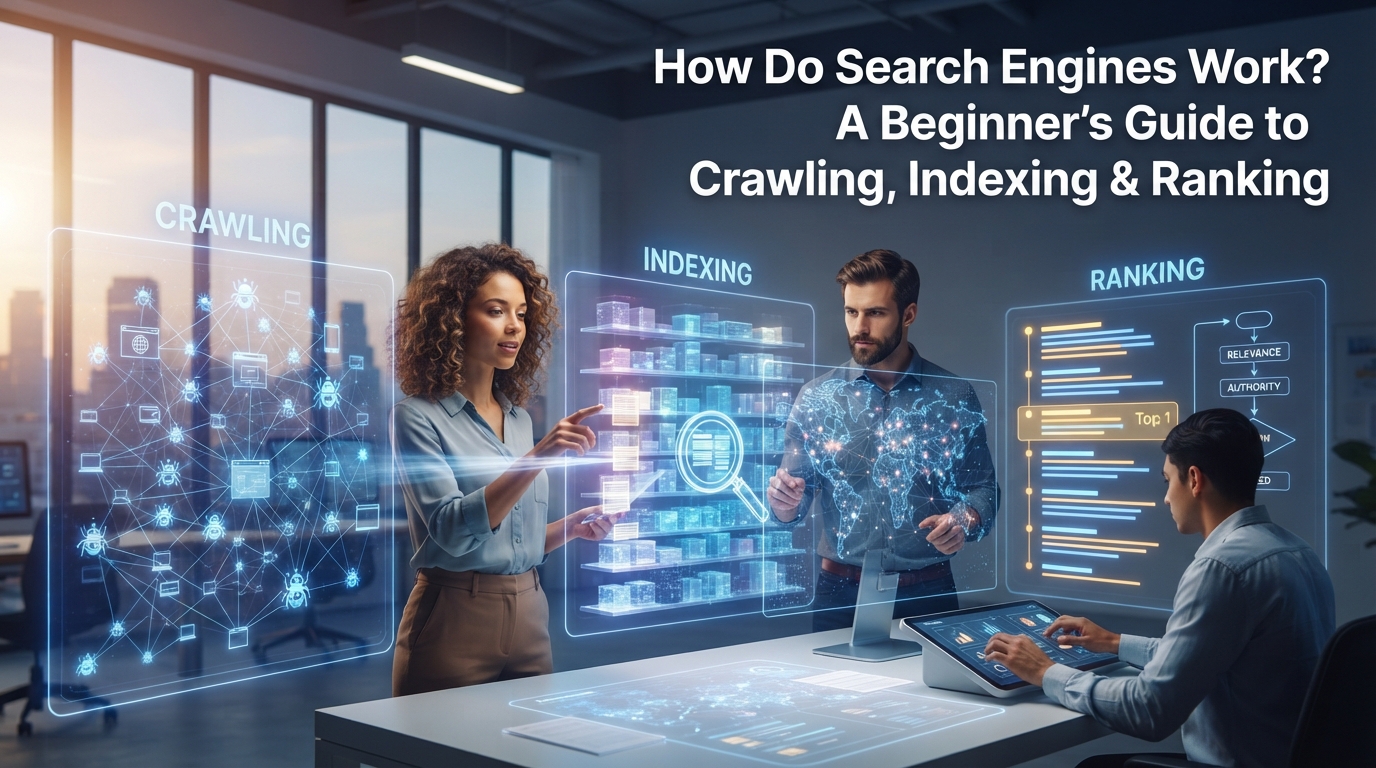
You type a question into Google—maybe “best running shoes for flat feet” or “how to fix a leaky faucet”—and in half a second, you get a list of answers. But how does Google (or any search engine) know which pages to show you? And why does one result appear at the top while another languishes on page 10?
Search engines power the internet’s discoverability. Whether you’re a small business owner, a marketer, or just a curious user, understanding how they work can help you make better decisions about your website, content, and online visibility. The good news? While search engines are complex, they follow a logical three-step process: crawling, indexing, and ranking.
In this guide, we’ll break down each step in simple terms, explain why it matters, and share practical takeaways for anyone who wants to be found online.
What Is a Search Engine? The Basics
A search engine is a software system designed to find, organize, and rank content on the web. Think of it as a librarian for the internet: instead of sorting through physical books, it sorts through billions of web pages to deliver the most relevant results for your query.
Key Players in the Search Engine World
- Google: Dominates the market with over 90% global share as of 2024. If you’re optimizing for search, Google is the primary focus.
- Bing: Microsoft’s search engine powers Yahoo! and holds about 3% of the market. It’s often overlooked but still relevant, especially for voice search (via Cortana) and Microsoft products.
- DuckDuckGo: A privacy-focused alternative that doesn’t track users. It’s growing in popularity but still accounts for less than 1% of searches.
The Core Purpose of a Search Engine
Search engines exist to solve one problem: connecting users with the most relevant, high-quality information for their queries. To do this, they rely on three key functions:
- Crawling: Discovering content on the web.
- Indexing: Organizing that content in a searchable database.
- Ranking: Sorting results to match user intent.
Let’s dive into each step.
How Search Engines Work: The 3-Step Process
1. Crawling: Discovering the Web
Definition: Crawling is the process search engines use to discover new or updated web pages. Specialized bots—often called spiders or crawlers—scan the internet to find content.
How Crawling Works
-
Starting Point: Crawlers begin with a list of known URLs (called a seed list). These could be popular websites, sitemaps submitted by site owners, or links from previously crawled pages.
-
Following Links: Crawlers move from page to page by following hyperlinks, much like following breadcrumbs. For example, if a blog post links to your website, a crawler will eventually find and visit your page.
-
Respecting Rules: Websites can control crawler access using a file called
robots.txt. This file tells bots which pages to crawl (or avoid). For example:User-agent: * Disallow: /private/This tells all crawlers not to index the
/private/directory.
Example of Crawling in Action
Imagine you publish a new blog post titled “10 Tips for Beginner Gardeners.” Here’s what happens:
- Your website’s sitemap (a file listing all your pages) is submitted to Google via Google Search Console.
- Googlebot visits your sitemap and discovers the new post.
- The bot crawls the post, follows any internal links (e.g., to your “About” page), and external links (e.g., to a gardening supply store).
- The process repeats as the bot continues exploring the web.
Challenges with Crawling
- Crawl Budget: Search engines allocate a limited amount of resources to crawl each site. If your site has thousands of low-value pages (e.g., duplicate content, thin pages), crawlers may miss important content.
- Broken Links: If a crawler hits a 404 error, it can’t proceed to other pages linked from that broken URL.
- JavaScript-Rendered Content: Some websites rely on JavaScript to load content dynamically. If a crawler can’t execute JavaScript, it may miss key information.
Key Takeaway: To ensure your content is discovered, submit a sitemap, fix broken links, and avoid blocking important pages with robots.txt.
2. Indexing: Organizing the Web
Definition: Indexing is the process of storing and categorizing crawled content in a massive database (called the index). Think of it as a library catalog—without it, search engines wouldn’t know what content exists or how to retrieve it.
How Indexing Works
- Parsing Content: When a crawler visits a page, it analyzes the content, including:
- Text (headings, paragraphs, keywords).
- Media (images, videos, alt text).
- Metadata (title tags, meta descriptions, schema markup).
- Extracting Signals: The crawler identifies key information about the page, such as:
- Topic: What is the page about? (e.g., “running shoes for flat feet”).
- Freshness: When was the page last updated?
- Structure: Is the content well-organized with headings, lists, and clear language?
- Storing in the Index: The page is added to the index in a format that allows for fast retrieval. For example, Google’s index is estimated to contain hundreds of billions of pages.
Example of Indexing in Action
Let’s say you run an e-commerce site selling running shoes. When Googlebot crawls your product page for “StabilityMax 3000,” here’s what gets indexed:
- Title Tag: “StabilityMax 3000 – Best Running Shoes for Flat Feet | YourBrand”
- Meta Description: “Lightweight, supportive running shoes designed for flat feet. Free shipping on orders over $50.”
- Product Details: Price, size options, customer reviews, and images (with alt text like “StabilityMax 3000 side view”).
- Internal Links: Links to related products (e.g., “Customers also bought: ArchSupport Insoles”).
Challenges with Indexing
- Thin Content: Pages with little or no valuable content (e.g., placeholder pages, duplicate product descriptions) may be ignored or ranked poorly.
- Noindex Tags: If a page includes a
<meta name="robots" content="noindex">tag, search engines won’t add it to the index. - Poor Structure: Pages with messy HTML, missing headings, or excessive ads may be harder to parse and index correctly.
Key Takeaway: To improve indexing, create high-quality, well-structured content and use tools like Google Search Console to monitor your indexed pages.
3. Ranking: Serving the Best Results
Definition: Ranking is the process of sorting indexed pages to deliver the most relevant results for a user’s query. This is where search engines’ algorithms shine—and where the competition for visibility heats up.
How Ranking Works
- Understanding Query Intent: Search engines first determine what the user is really looking for. Queries fall into three main categories:
- Informational: The user wants to learn something (e.g., “how to tie a tie”).
- Navigational: The user wants to visit a specific site (e.g., “Facebook login”).
- Commercial/Transactional: The user wants to buy something (e.g., “best wireless earbuds under $100”).
- Evaluating Ranking Factors: Search engines use 200+ ranking factors to determine which pages best match the query. Some of the most important include:
- Relevance: Does the content match the query? (e.g., a page about “running shoes for flat feet” should include those keywords and related terms).
- Authority: Is the site trustworthy? (e.g., backlinks from reputable sites, domain age, expertise).
- User Experience (UX): Is the page easy to use? (e.g., mobile-friendly, fast loading, low bounce rate).
- Freshness: Is the content up-to-date? (e.g., a 2024 guide to “best smartphones” will rank higher than a 2020 guide).
- Personalizing Results: Search engines tailor results based on factors like:
- Location: A query for “pizza near me” will show local pizzerias.
- Search History: If you frequently visit tech blogs, you may see more tech-related results.
- Device: Mobile users may see different results than desktop users (e.g., mobile-friendly sites rank higher on mobile).
Example of Ranking in Action
Let’s say you search for “best croissants near me.” Here’s how Google might rank the results:
- Local Bakery Website: A bakery with a well-optimized website, positive reviews, and a Google Business Profile listing.
- Food Blog Post: A blog titled “10 Best Croissants in [Your City]” with detailed reviews and photos.
- Yelp Listing: A Yelp page with high ratings and recent customer photos.
- Generic Recipe Site: A page about “how to make croissants at home” (less relevant for a local search).
Challenges with Ranking
- Algorithm Updates: Search engines frequently update their algorithms (e.g., Google’s Helpful Content Update). These updates can cause rankings to fluctuate.
- Spam and Low-Quality Content: Search engines penalize sites that use manipulative tactics (e.g., keyword stuffing, cloaking, or buying backlinks).
- Competition: High-value keywords (e.g., “best credit cards”) are fiercely competitive, making it harder to rank.
Key Takeaway: To improve rankings, focus on creating high-quality, user-focused content that matches query intent. Optimize for UX, earn authoritative backlinks, and stay updated on algorithm changes.
Why This Matters for Businesses and Marketers
Understanding how search engines work isn’t just academic—it directly impacts your online visibility, traffic, and revenue. Here’s how you can apply these fundamentals to your strategy:
SEO Implications
- Crawling: Ensure search engines can discover your content by submitting sitemaps, fixing broken links, and avoiding
robots.txtblocks. - Indexing: Create valuable, well-structured content that search engines can easily parse and store. Use tools like Google Search Console to monitor indexed pages.
- Ranking: Focus on relevance, authority, and UX. Optimize for keywords, earn backlinks, and improve page speed.
Content Tips
- Write for Users and Search Engines: Use clear, concise language and structure content with headings, bullet points, and short paragraphs. Include keywords naturally—don’t stuff them.
- Match Query Intent: Before creating content, research what users are searching for. Tools like Google Keyword Planner or AnswerThePublic can help.
- Update Old Content: Refresh outdated posts to maintain relevance and rankings. For example, a “2023 Guide to SEO” should be updated to “2024 Guide to SEO.”
Technical Tips
- Fix Crawl Errors: Use Google Search Console to identify and resolve crawl errors (e.g., 404 pages, server errors).
- Optimize Site Speed: Slow-loading pages frustrate users and hurt rankings. Use tools like PageSpeed Insights to test and improve speed.
- Use Schema Markup: Schema helps search engines understand your content better. For example, adding Product schema to an e-commerce page can enhance rich snippets in search results.
Common SEO Myths Debunked
- “SEO is dead”: SEO evolves, but it’s far from dead. Search engines will always need to organize and rank content.
- “More links = higher rank”: Quality matters more than quantity. A few high-authority backlinks are better than hundreds of spammy ones.
- “Keywords don’t matter anymore”: Keywords are still important, but they must be used naturally and in context.
The Future of Search Engines
Search engines are constantly evolving, and staying ahead of trends can give you a competitive edge. Here’s what’s on the horizon:
AI and Search
- Search Generative Experience (SGE): Google is experimenting with AI-powered overviews that summarize answers to queries. For example, instead of showing a list of links for “how to train a puppy,” SGE might generate a step-by-step guide with citations.
- Multimodal Search: Search engines are expanding beyond text to include images, videos, and voice. For example, Google Lens lets users search with images (e.g., taking a photo of a plant to identify it).
Voice and Visual Search
- Voice Search: With the rise of smart speakers (e.g., Amazon Alexa, Google Home), voice search is growing. Optimize for conversational queries (e.g., “Where can I find vegan pizza near me?”).
- Visual Search: Platforms like Pinterest and Google Lens allow users to search with images. Ensure your images are high-quality and include descriptive alt text.
The Call to Action
Search technology changes fast, but the fundamentals—crawling, indexing, and ranking—remain the same. Stay curious, keep learning, and adapt your strategy as new trends emerge. Whether you’re a business owner, marketer, or curious user, understanding how search engines work will help you navigate the digital landscape with confidence.
Next Steps
Ready to put this knowledge into action? Start with these simple steps:
- Audit Your Website: Use Google Search Console to check for crawl errors, indexing issues, and ranking opportunities.
- Optimize One Piece of Content: Pick a high-traffic page and improve its structure, keywords, and UX.
- Stay Updated: Follow industry blogs like Google Search Central Blog or Moz Blog for the latest search news.
The internet is vast, but with the right knowledge, you can ensure your content doesn’t get lost in the noise. Happy optimizing!