How to Name Images for SEO: A Step-by-Step Guide
 Thu Nghiem
Learn how to name images for SEO with this step-by-step guide. Discover best practices for creating SEO-friendly filenames, avoiding common mistakes, and boosting your search rankings with optimized images.
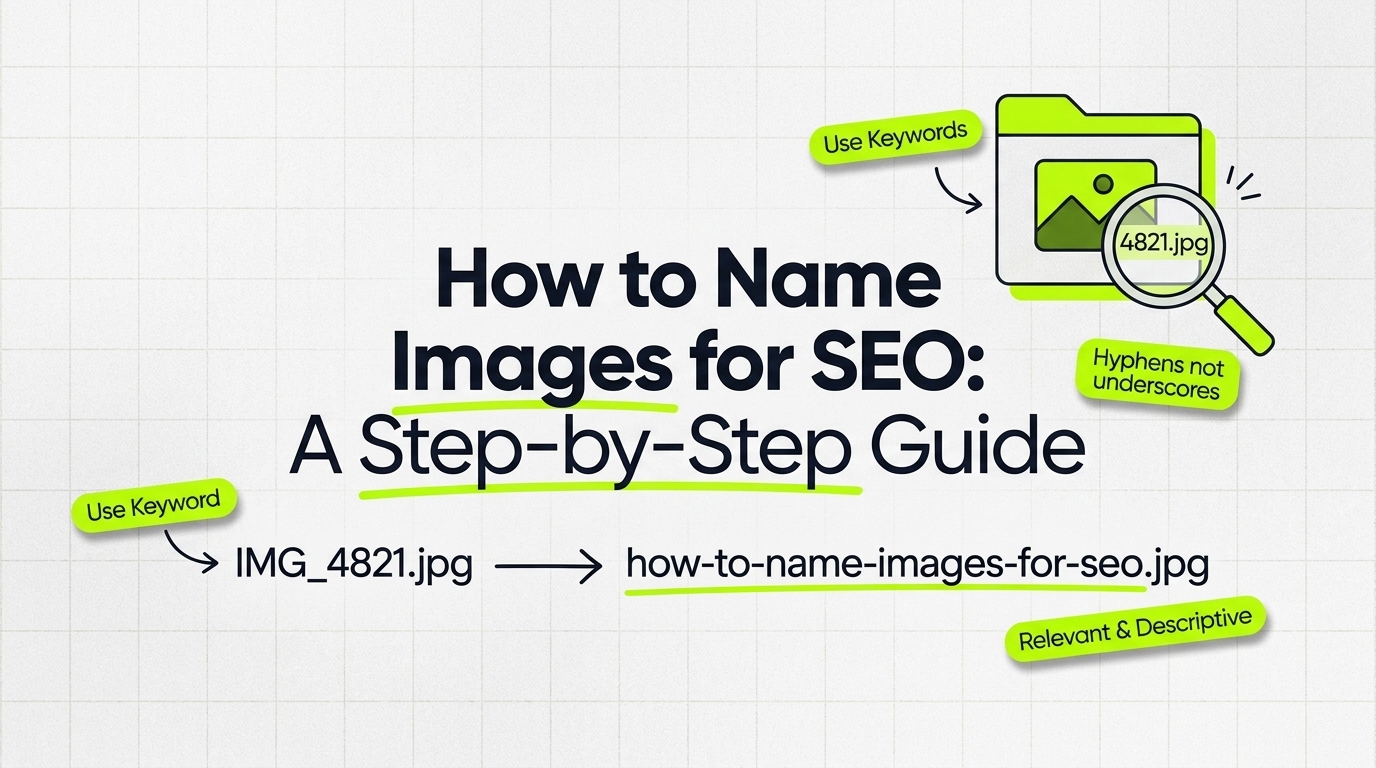
Images make your content more engaging, but they also play a critical role in search engine optimization (SEO). If you’ve ever uploaded a photo with a default filename like "IMG_1234.jpg" or "screenshot.png," you’re missing a simple opportunity to improve your rankings. Properly naming your images can boost visibility in Google Images, enhance accessibility, and even drive more organic traffic to your site.
This guide will walk you through the best practices for naming images for SEO, with actionable steps, real-world examples, and tools to simplify the process. Whether you’re a marketer, content creator, or small business owner, you’ll learn how to turn overlooked filenames into a competitive advantage.
Why Image Naming Matters for SEO
Images aren’t just decorative—they’re a powerful SEO tool. Here’s why filenames matter:
- Search engines rely on context: Google and other search engines use filenames as a signal to understand what an image depicts. A generic name like "photo1.jpg" tells them nothing, but "organic-coffee-beans-bag.jpg" provides clear context.
- Google Images is a traffic source: Over 20% of all Google searches happen in Google Images. Optimized filenames help your images rank higher and attract clicks.
- Accessibility and user experience: Screen readers use filenames to describe images to visually impaired users. A descriptive name like "golden-retriever-puppy.jpg" is far more helpful than "DSC_0045.jpg."
- Crawlability: Search engine bots can’t "see" images, so they depend on filenames, alt text, and surrounding content to interpret them. A well-named file improves your chances of being indexed correctly.
Common mistakes—like using default camera filenames or vague terms—waste this opportunity. The good news? Fixing it is simple and takes just a few extra seconds per image.
How Search Engines Read and Index Images
Search engines don’t process images the way humans do. Instead, they rely on several clues to understand and rank them:
- Filenames: The name of your image file acts as a label. For example, "red-nike-running-shoe.jpg" is more informative than "image1.jpg."
- Alt text: A written description of the image (e.g., "A red Nike running shoe on a white background"). Alt text is critical for accessibility and SEO.
- Surrounding content: The text near the image (e.g., captions, headings, or body copy) helps search engines confirm the image’s relevance.
- File size and format: Large, uncompressed images slow down your site, which can hurt rankings. Formats like WebP or JPEG are preferred for web use.
- Structured data: Schema markup can provide additional context about an image, such as whether it’s a product photo or a recipe ingredient.
While filenames are just one piece of the puzzle, they’re an easy place to start optimizing. Think of them as the foundation—without a strong one, the rest of your image SEO efforts won’t reach their full potential.
Step-by-Step Guide: How to Name Images for SEO
Follow these steps to create SEO-friendly image filenames that improve rankings and user experience.
1. Use Descriptive, Keyword-Rich Filenames
Why it matters: A descriptive filename helps search engines and users understand what the image shows. Including relevant keywords can also improve your rankings for those terms.
How to do it:
- Avoid generic names like "photo.jpg" or "screenshot.png."
- Instead, describe the image in 3–5 words, using your primary keyword naturally.
- Example:
- ❌ "IMG_1234.jpg"
- ✅ "blue-running-shoes-men.jpg"
Pro tip: If the image is tied to a specific page (e.g., a blog post about "best running shoes for beginners"), align the filename with the page’s target keyword.
2. Keep Filenames Short and Readable
Why it matters: Long, convoluted filenames are harder for search engines to process and less user-friendly. Shorter names are also easier to share and link to.
How to do it:
- Limit filenames to 3–5 words. For example:
- ❌ "best-running-shoes-for-beginners-under-100-dollars.jpg"
- ✅ "affordable-running-shoes-beginners.jpg"
- Avoid keyword stuffing (e.g., "buy-cheap-shoes-online-discount-best-price.jpg"). This can trigger spam filters and hurt your rankings.
Pro tip: If you’re struggling to shorten a filename, focus on the most important keyword first (e.g., "running-shoes-beginners.jpg" instead of "beginners-running-shoes.jpg").
3. Be Specific and Relevant
Why it matters: Vague filenames don’t help search engines or users. Specificity improves relevance and rankings.
How to do it:
- Match the filename to the image content and the page’s topic.
- Example for a recipe blog:
- ❌ "cake.jpg"
- ✅ "vegan-chocolate-cake-recipe.jpg"
- Example for an e-commerce product page:
- ❌ "watch.jpg"
- ✅ "stainless-steel-waterproof-watch.jpg"
Pro tip: If the image is part of a series (e.g., a step-by-step guide), include a number or descriptor (e.g., "how-to-frost-cake-step-1.jpg").
4. Avoid Special Characters and Spaces
Why it matters: Special characters (e.g., !, @, #) and spaces can break URLs or cause technical issues. Hyphens are the safest separator.
How to do it:
- Use lowercase letters, numbers, and hyphens only.
- Replace spaces with hyphens (e.g., "best seo practices.jpg" → "best-seo-practices.jpg").
- Avoid underscores (e.g., "best_seo_practices.jpg"). Search engines treat underscores as part of a single word, which can confuse indexing.
Pro tip: If you’re renaming an existing image, update any internal links to avoid broken paths.
5. Include Location or Context If Relevant
Why it matters: For local businesses or location-specific content, adding a location can improve local SEO and relevance.
How to do it:
- Example for a travel blog:
- ❌ "beach.jpg"
- ✅ "miami-beach-sunset-florida.jpg"
- Example for a real estate listing:
- ❌ "house.jpg"
- ✅ "modern-home-dallas-texas.jpg"
Pro tip: Only include location if it’s relevant to the image or page. For example, a generic stock photo of a laptop doesn’t need a location.
Common Mistakes to Avoid
Even small errors in image naming can hurt your SEO. Here are the most common pitfalls and how to fix them:
| Mistake | Why It’s Bad | Fix It |
|---|---|---|
| Using default filenames (e.g., "DSC_001.jpg") | Provides no context for search engines. | Rename with descriptive, keyword-rich terms. |
| Overstuffing keywords (e.g., "buy-cheap-shoes-online-discount-best-price.jpg") | Looks spammy and can trigger penalties. | Stick to 3–5 words with one primary keyword. |
| Mixing uppercase and lowercase (e.g., "Blue-Running-Shoes.jpg") | Can cause technical issues or duplicate content. | Use lowercase letters only. |
| Using underscores or spaces (e.g., "best_seo_practices.jpg") | Underscores are treated as one word; spaces break URLs. | Replace with hyphens (e.g., "best-seo-practices.jpg"). |
| Ignoring relevance (e.g., "image1.jpg" for a product photo) | Misses an opportunity to rank for relevant terms. | Match the filename to the image and page content. |
Tools and Plugins to Simplify Image Naming
Manually renaming images can be time-consuming, especially if you have hundreds of files. These tools can help:
Bulk Renaming Tools
- Adobe Bridge: A free tool for organizing and renaming batches of images. Ideal for photographers and designers.
- Bulk Rename Utility: A Windows app for renaming multiple files at once. Supports regex and custom patterns.
- NameChanger (Mac): A simple tool for renaming files in bulk with options for hyphens, lowercase, and more.
SEO Plugins
- Yoast SEO (WordPress): Guides you through image optimization, including alt text and filenames. Offers real-time feedback on SEO best practices.
- Rank Math (WordPress): Includes an image SEO module that checks filenames, alt text, and other optimization factors.
- All in One SEO Pack (WordPress): Provides tools for optimizing images, including filename suggestions.
CMS Features
- WordPress Media Library: Allows you to rename images directly in the dashboard before or after uploading.
- Shopify: Lets you edit image filenames in the product editor or via bulk CSV uploads.
Pro tip: If you’re using a CMS like WordPress, rename your images before uploading. This ensures the filename is optimized from the start and avoids broken links if you rename them later.
How Image Naming Fits into Your Broader SEO Strategy
Image naming is just one part of a comprehensive SEO strategy. Here’s how it connects to other tactics:
1. Alt Text
Alt text is a written description of an image that appears if the image fails to load. It’s also used by screen readers for accessibility. Like filenames, alt text should be descriptive and include relevant keywords.
- Example:
- ❌ "Image of a shoe"
- ✅ "A pair of blue men’s running shoes with white soles"
Pro tip: Use alt text to complement the filename. For example, if your filename is "blue-running-shoes-men.jpg," your alt text could be "Close-up of blue men’s running shoes on a track."
2. Schema Markup
Schema markup is code that helps search engines understand your content better. For images, you can use ImageObject schema to provide details like the image’s subject, license, or creator.
-
Example:
{
  "@context": "https://schema.org",
  "@type": "ImageObject",
  "url": "https://example.com/blue-running-shoes-men.jpg",
  "name": "Blue Men’s Running Shoes",
  "description": "A pair of blue running shoes designed for long-distance runners."
}
This can enhance your visibility in rich results, such as Google’s "Popular Products" carousel.
3. Page Speed
Large, uncompressed images slow down your site, which can hurt rankings. Use tools like:
- TinyPNG or ShortPixel to compress images without losing quality.
- WebP format for smaller file sizes (supported by most modern browsers).
Pro tip: Combine image compression with lazy loading to improve page speed further.
4. Internal Linking
Images can be used as internal links to other pages on your site. For example, a blog post about "best running shoes" could link to a product page using an image of the shoes. In this case, the filename and alt text should reflect the linked page’s topic.
5. Regular Audits
SEO isn’t a one-time task. Schedule quarterly audits to:
- Check for broken image links.
- Update filenames or alt text for outdated content.
- Identify new keyword opportunities.
Pro tip: Use tools like Screaming Frog or Google Search Console to audit your site’s images and find optimization opportunities.
Conclusion: Start Optimizing Your Images Today
Naming images for SEO is a small but impactful tactic that can improve your rankings, drive traffic, and enhance user experience. Here’s a quick recap of the key steps:
- Use descriptive, keyword-rich filenames (e.g., "blue-running-shoes.jpg" instead of "IMG_1234.jpg").
- Keep filenames short and readable (3–5 words max).
- Be specific and relevant to the image and page content.
- Avoid special characters and spaces—use hyphens and lowercase letters.
- Include location or context if it’s relevant to your content.
Don’t let default filenames hold back your SEO efforts. Start by auditing your existing images and updating their names. Tools like Adobe Bridge or Yoast SEO can simplify the process, especially for large websites.
For further reading, check out these related resources:
- Alt Text Best Practices for SEO and Accessibility
- How to Compress Images Without Losing Quality
- Schema Markup for Images: A Beginner’s Guide
By optimizing your image filenames, you’re not just improving SEO—you’re making your content more accessible, user-friendly, and competitive. Start today and watch your rankings climb.